With real screens
What it does
Everything Arvio does in your home: lights, climate, music, cameras, security and people, from a hub inside your home.
Lights and scenes
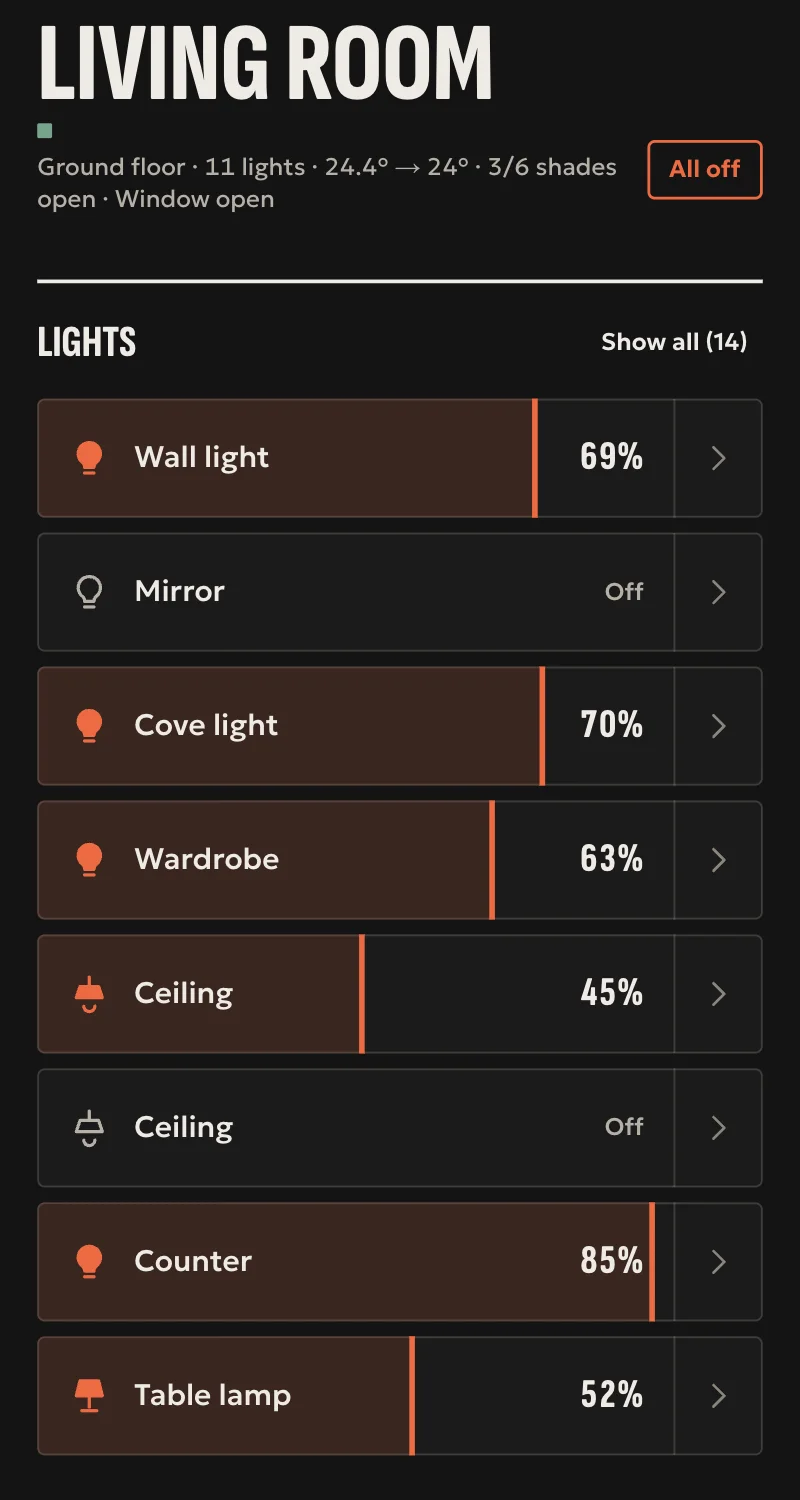
One tap per room, scenes that remember each device, and a Home app that only shows what was confirmed.
- One tap per light, and brightness by sliding
- "All off", with undo
- Scenes that remember every device
Climate and blinds
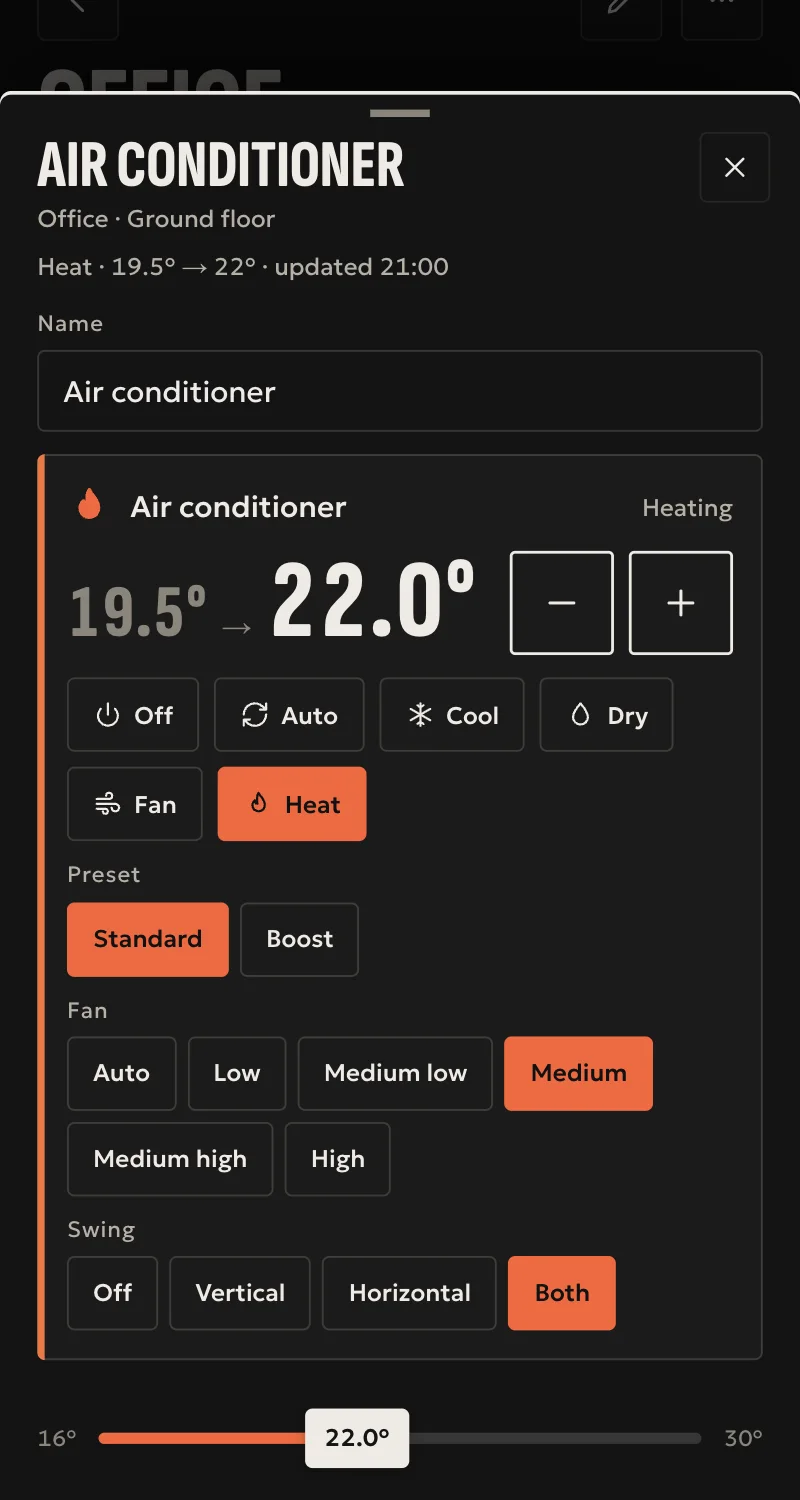
Temperature, mode and blinds from the room or from automations, with every command confirmed by the device.
- Temperature, mode, fan and louvres
- Blinds: open, stop, close and position
- From automations too, not only by hand
Cameras and doorbell
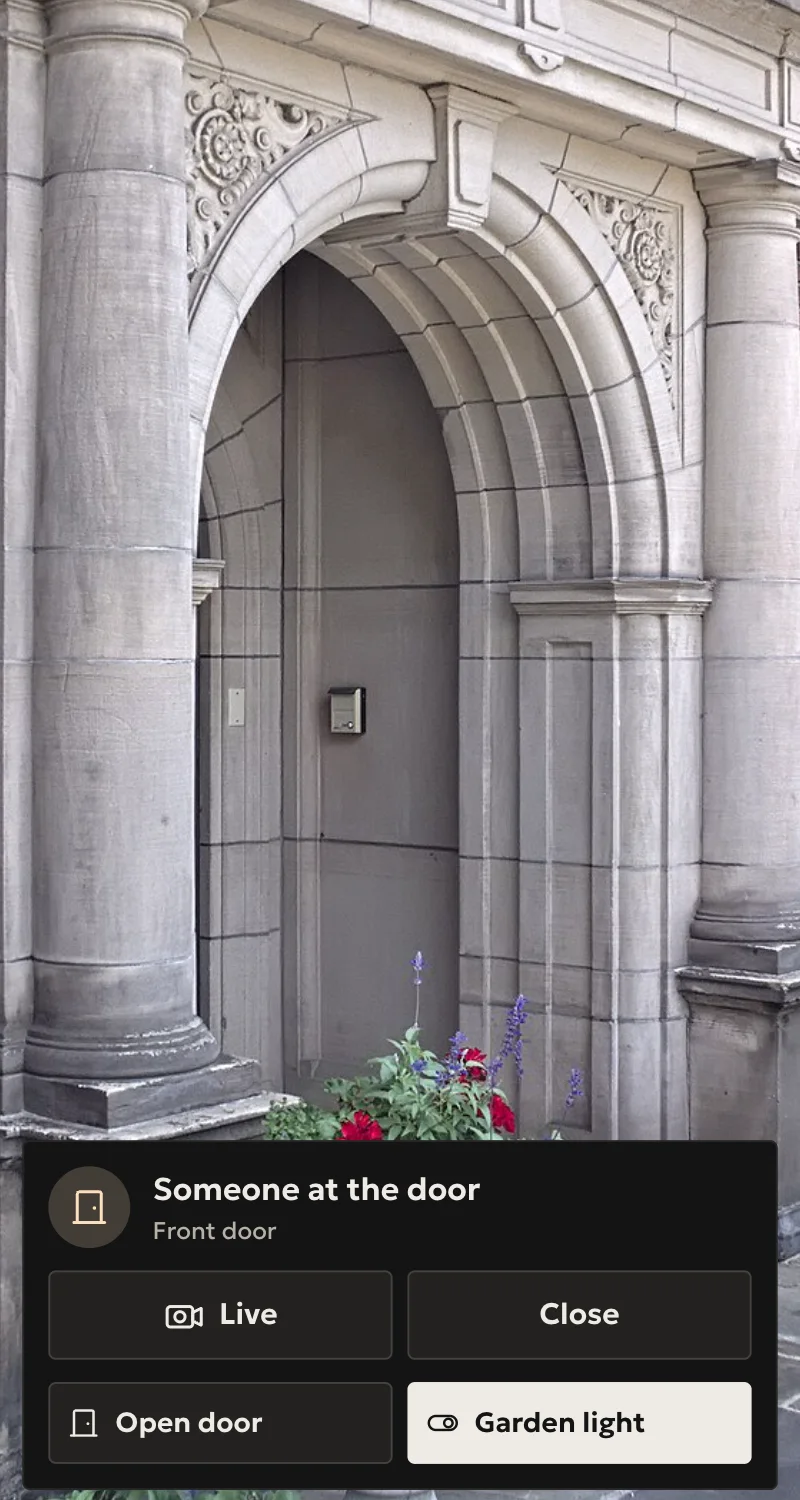
Live pictures in Home, the doorbell as a call on iPhone and iPad, buttons on the picture, and the door on the wall panel when it rings.
- A live picture inside the app
- The doorbell like a call on iPhone and iPad
- Buttons on the picture, such as the garden light
Alarm and locks
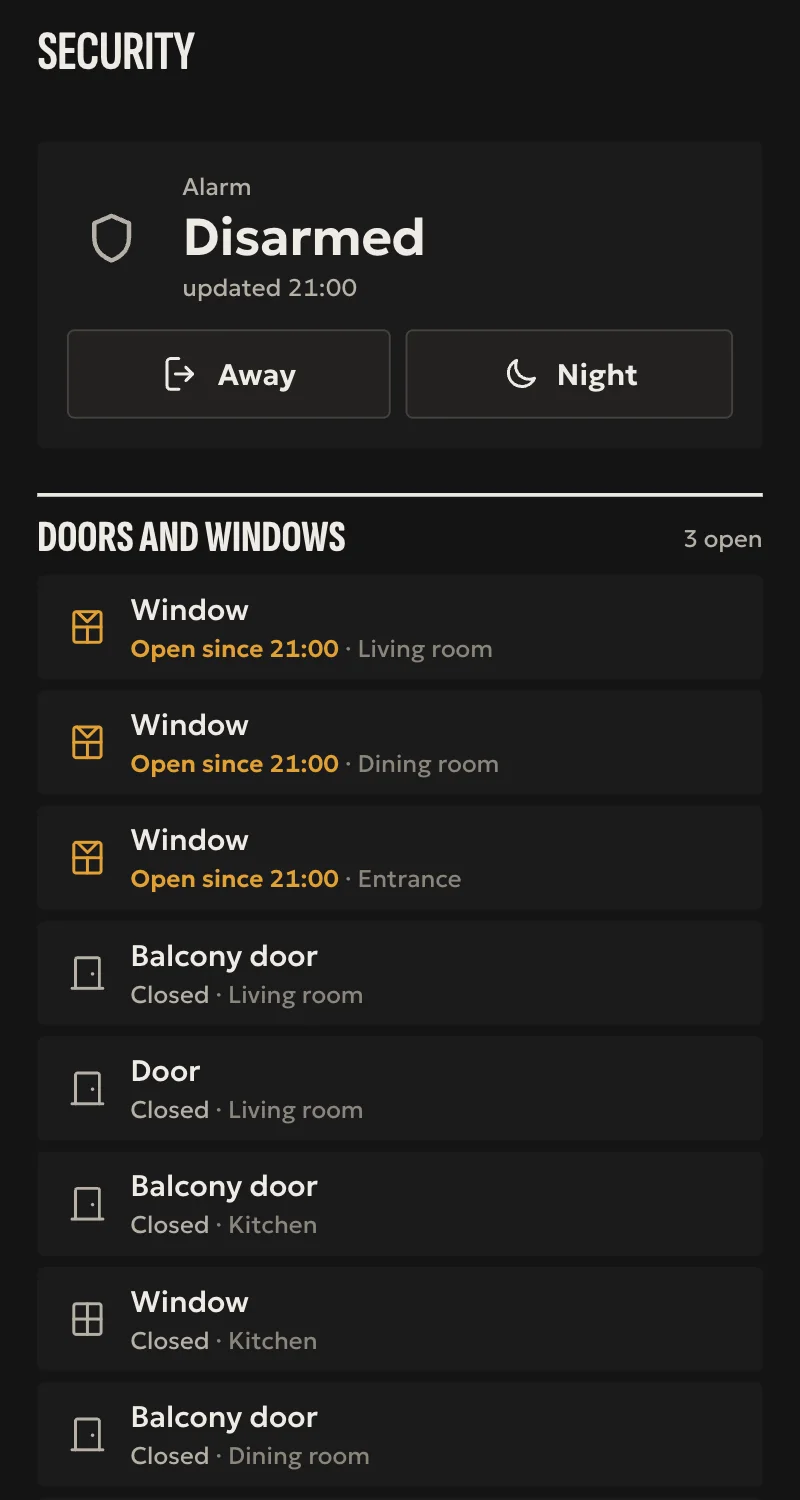
You lock and arm with a visible confirmation. Unlocking and disarming follow stricter rules.
- Arm for away or for the night
- See which door or window is open
- Unlocking and disarming follow stricter rules
Music
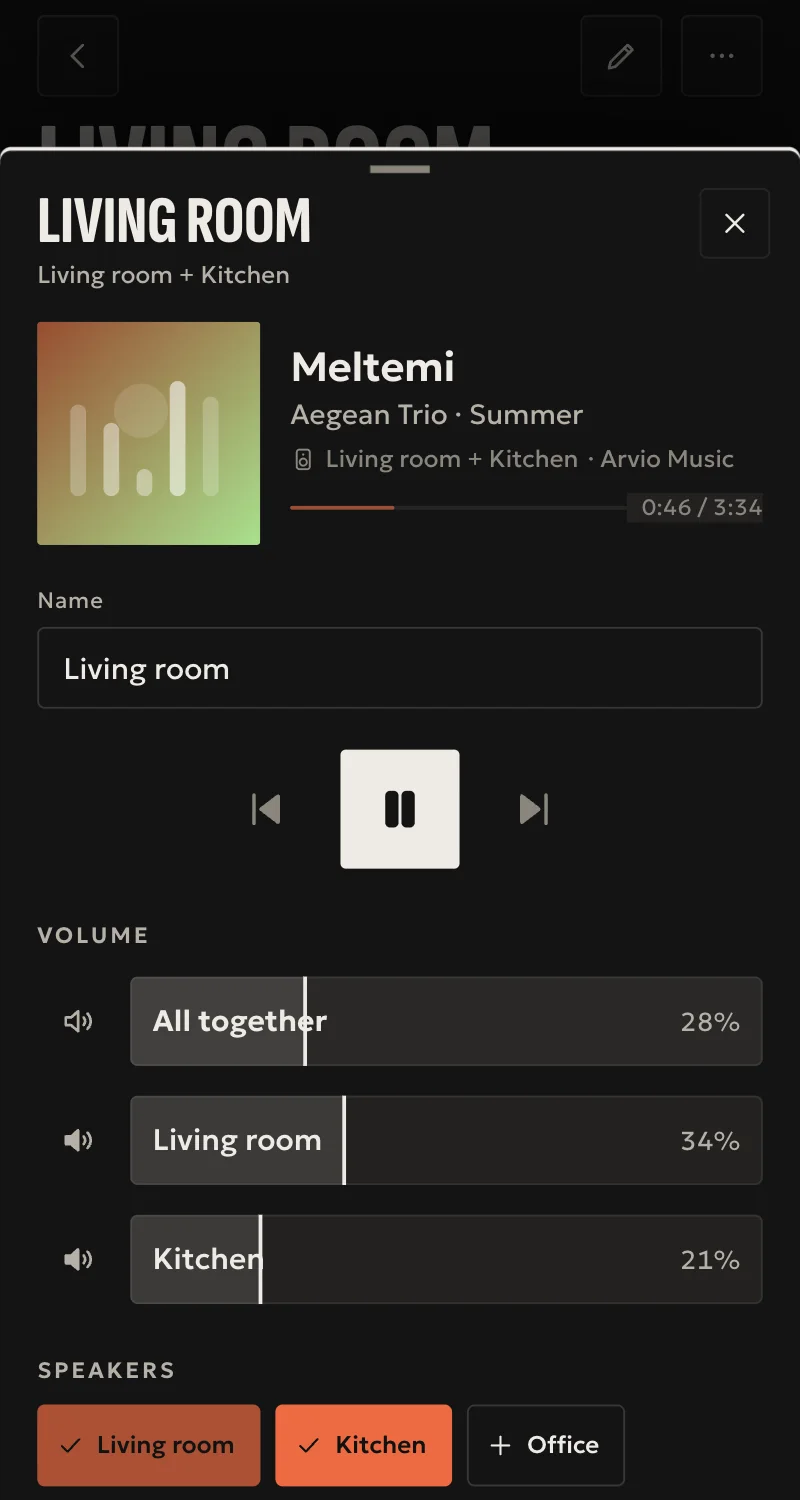
Chromecast speakers, radio and your own music with Arvio Music. Samsung TVs and Apple TV too.
- Radio and your own music
- The same music in several rooms, with volume per speaker
- Samsung TVs and Apple TV too
Automations
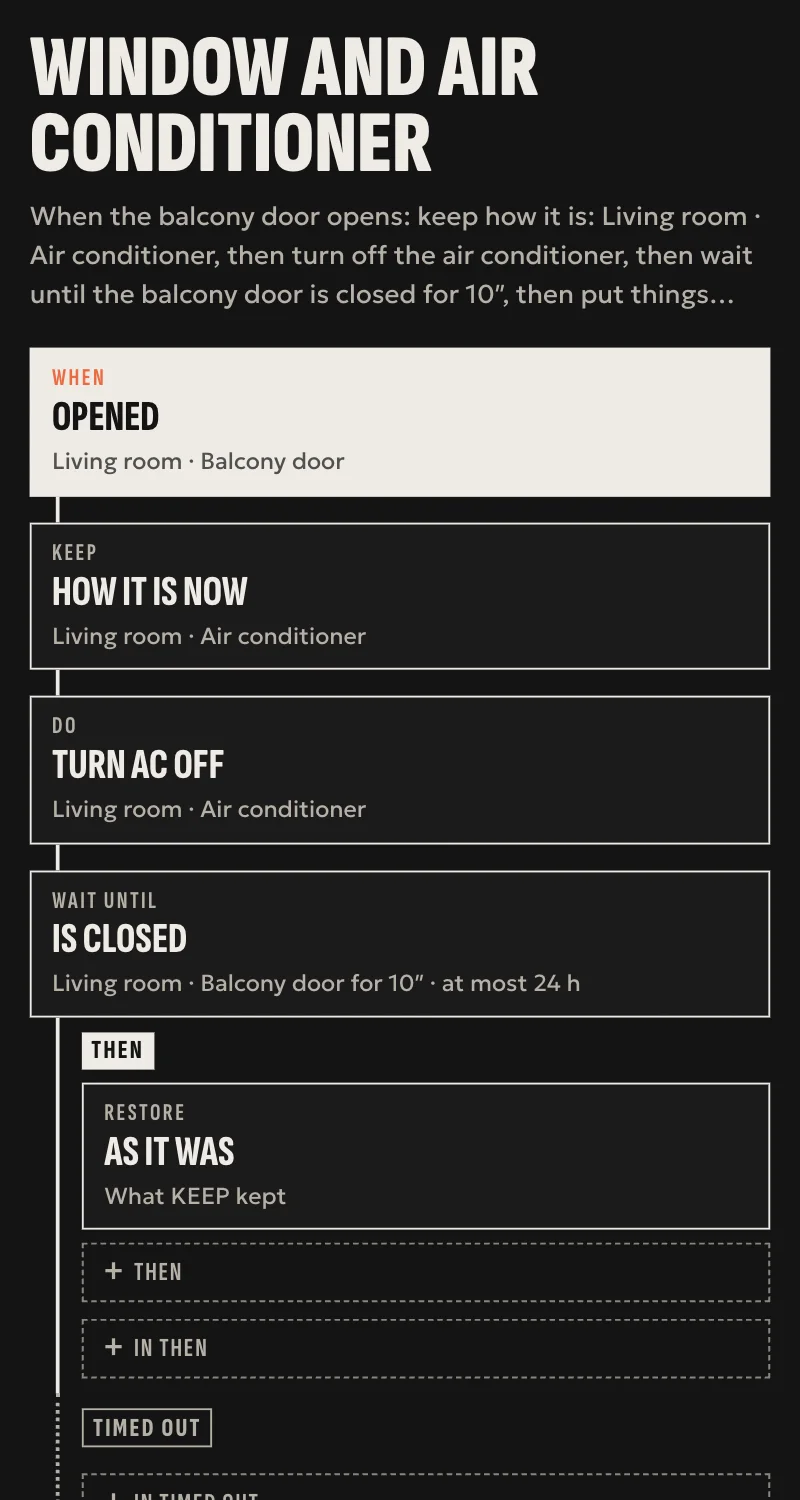
Rules that run on the hub in your home, with or without internet. Simple ones from Home, full ones from Partner.
- By the hour, the sun or your presence
- They run inside the house, without the internet too
- Simple rules from you, fuller ones from the installer
Energy and history
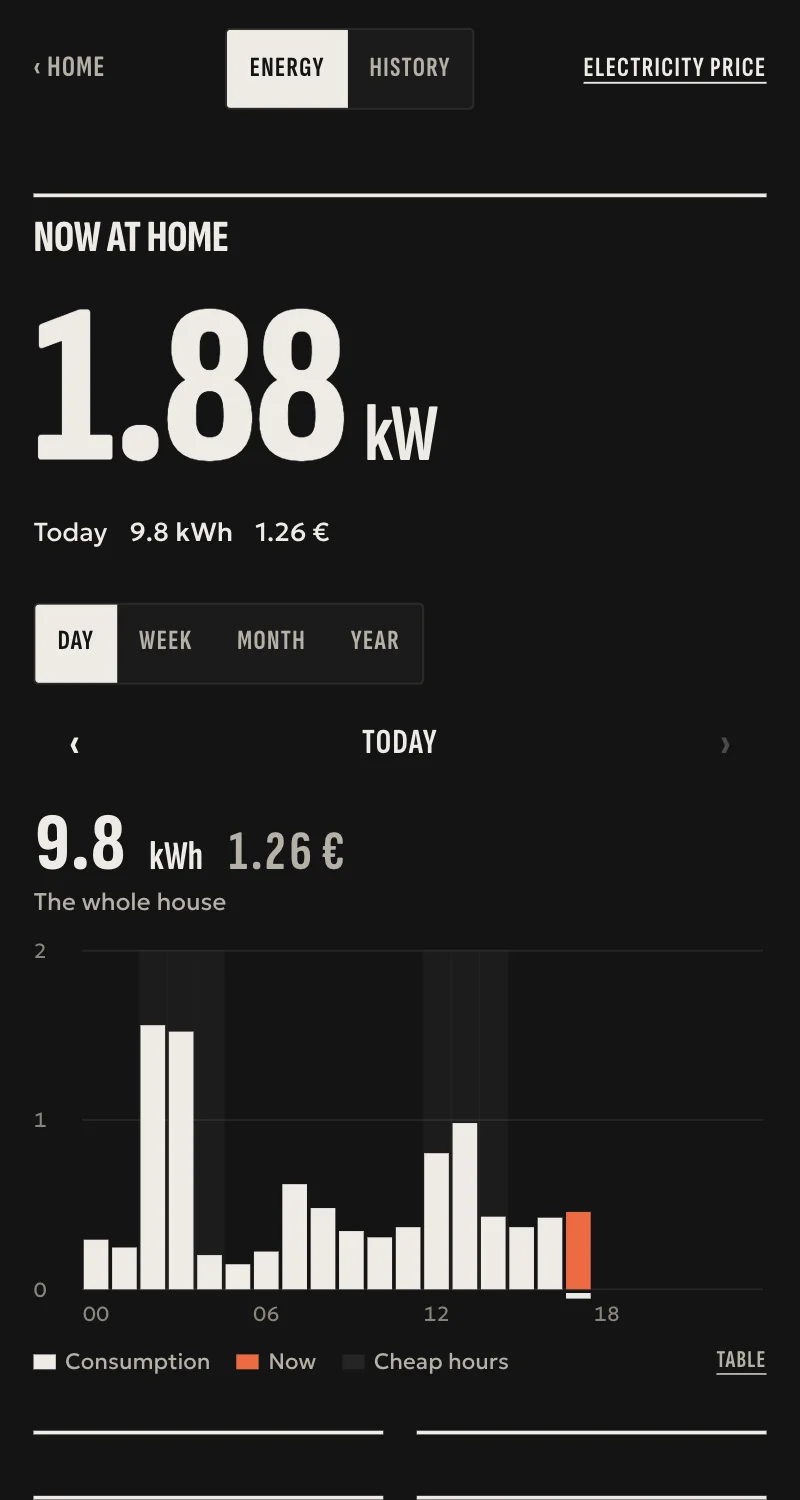
How much power the house uses, from whatever measures it, and temperature and humidity charts. The figures stay on the hub.
- By day, week, month and year
- In kWh and in euros, at your own electricity price
- Only the owner and the manager see them
And also
People and guests
Roles per home, invitations that expire and guests with a link and no account. The owner sees everything.
Presence
Your iPhone tells the home you arrived or left. You turn it on yourself and the coordinates stay on the phone.
3D model
The installer draws the floor plan, Home raises it into 3D, and you tap the light where it actually is.
Themes
Eleven themes with their own type, shapes and colours. Light, dark or automatic, in Home and on wall panels.
Without internet
What keeps working at home when the internet goes down, what does not, and what happens when it returns.
What happens where
Where things happen
Home is the app for the household. Partner is the installer's tool.
| Feature | In Home | In Partner |
|---|---|---|
| Automations | Simple rules, no conditions | Scenarios, place programs, a sentence that becomes a card |
| Scenes | «New scene» from the room | Detailed editor, device by device |
| People | Members and guests | Members, with active support access |
| 3D model | You view and use it | You draw and correct it |
| Themes | The home's theme | The theme of each wall panel |
| Energy | Charts, kWh and euros | Which meter measures what |
See what fits your home
Tell us what you already have at home and what you want it to do.
Tell us about your space
Tell us what you have and what you want, and we will work out together what your space needs.