Products
Wall panels
A screen on the wall that talks directly to the hub. Lights, scenes and climate keep working without internet.
- 0
- cloud it needs in order to work
- 45 s
- the window to open the door after the bell
- 2
- kinds of screen: Android and iPad
On this page
A wall panel is a screen that stays in place and talks directly to the hub over the local network. It does not go through the cloud. When the internet drops, lights, blinds, climate and scenes carry on. The installer designs the layout in Partner and saves it on the hub.
What it looks like
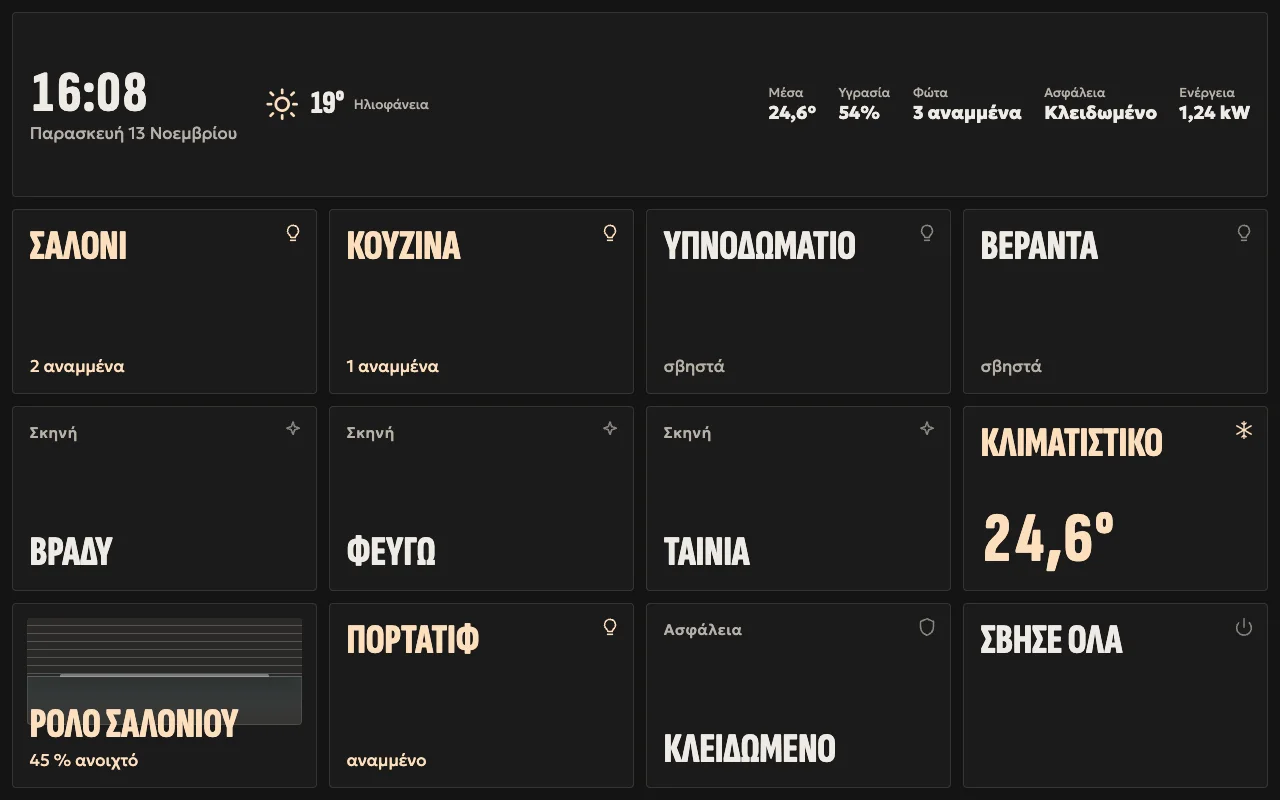
A «Πίνακας» (board) page on a 10-inch panel: time, weather, rooms, scenes, a blind, climate and security. The installer picks the tiles, and each panel has its own theme.
Αφίσα (poster) · dark 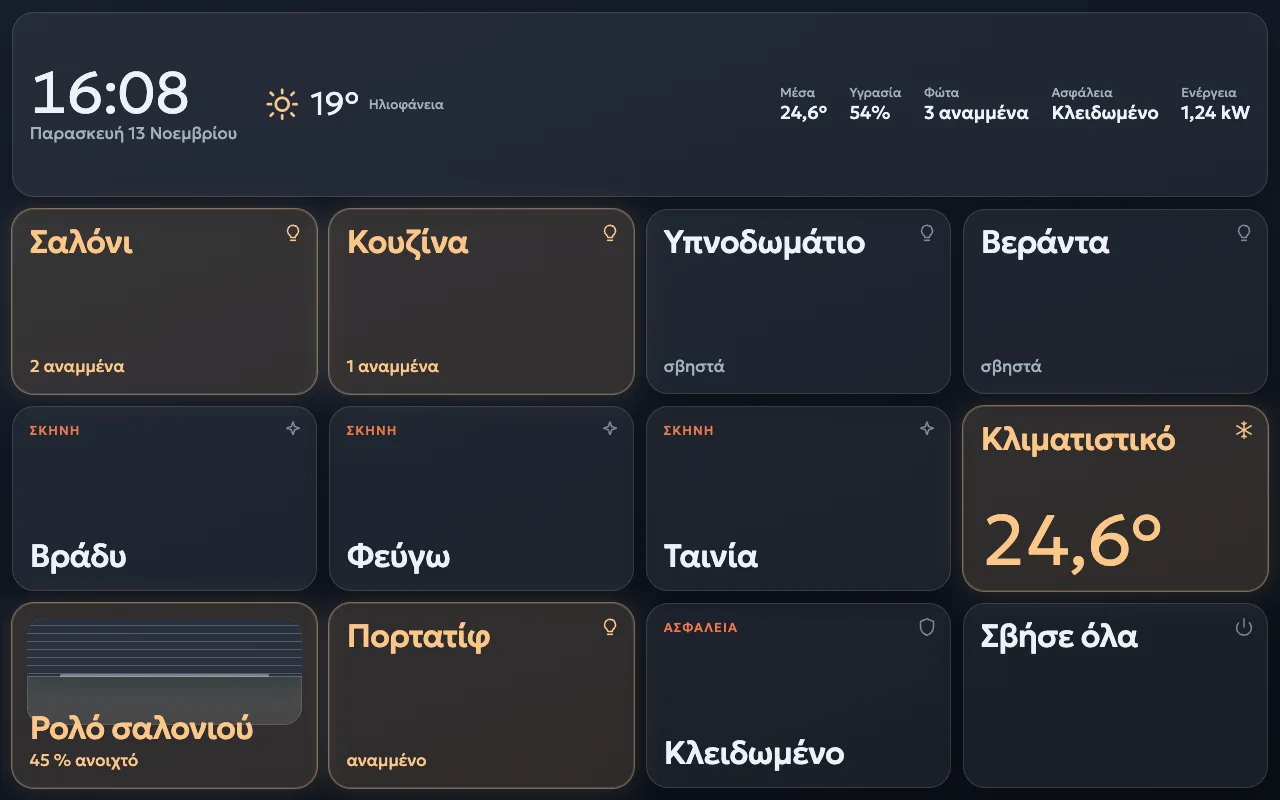
Λυκόφως (twilight) · dark 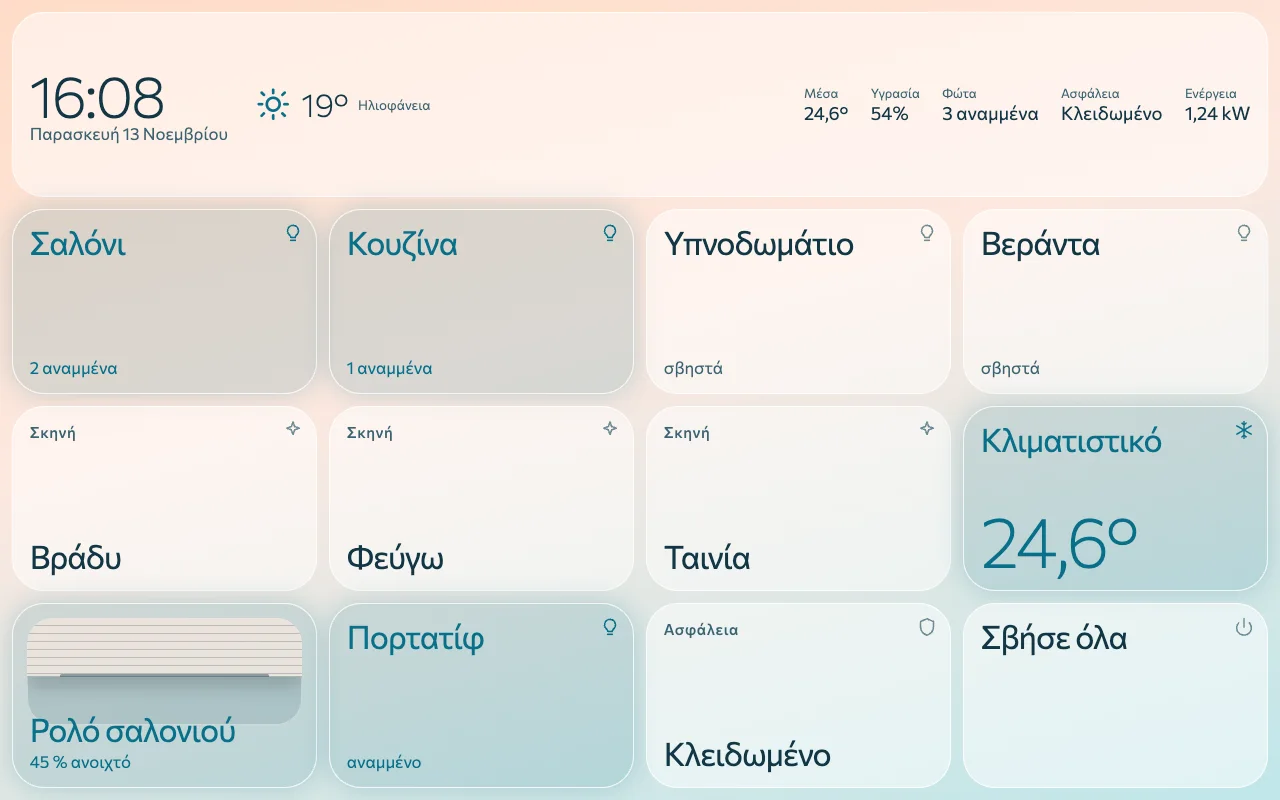
Γαλήνη (calm) · light 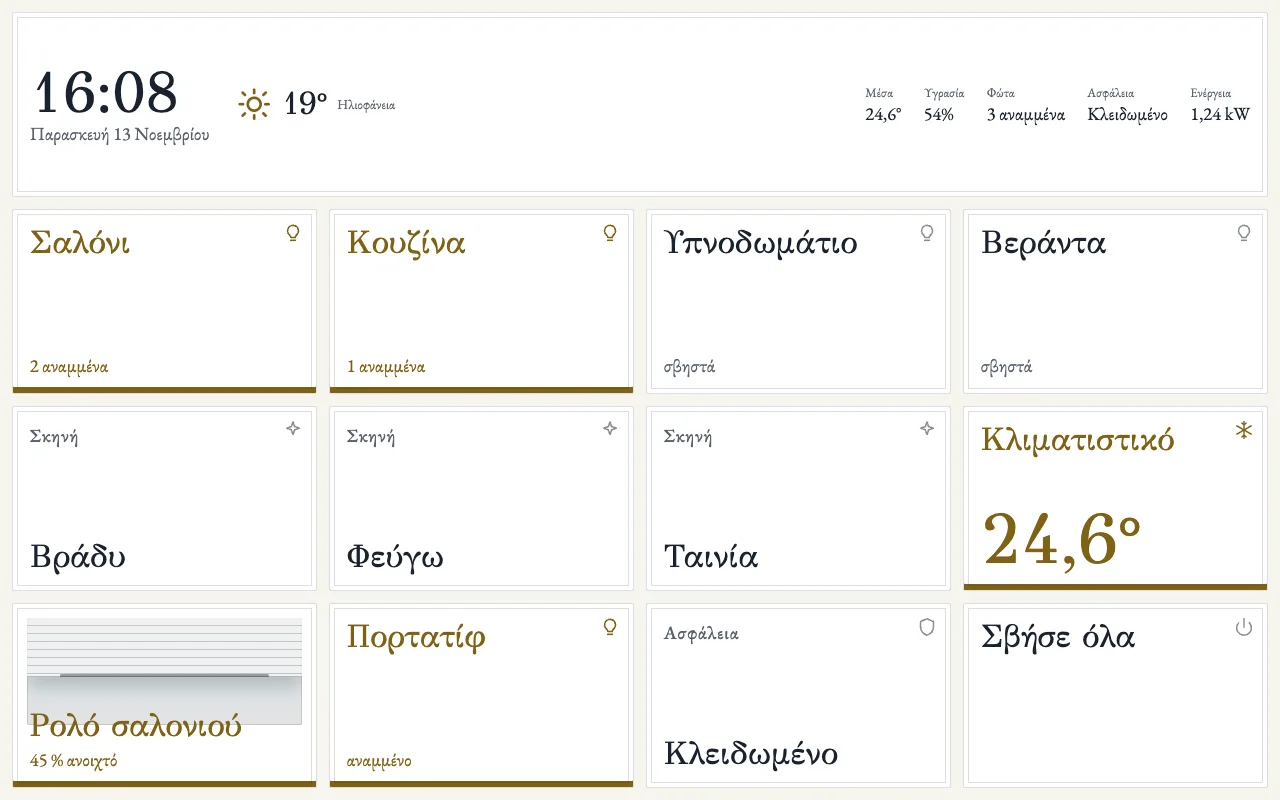
Πεντέλη (Penteli marble) · light 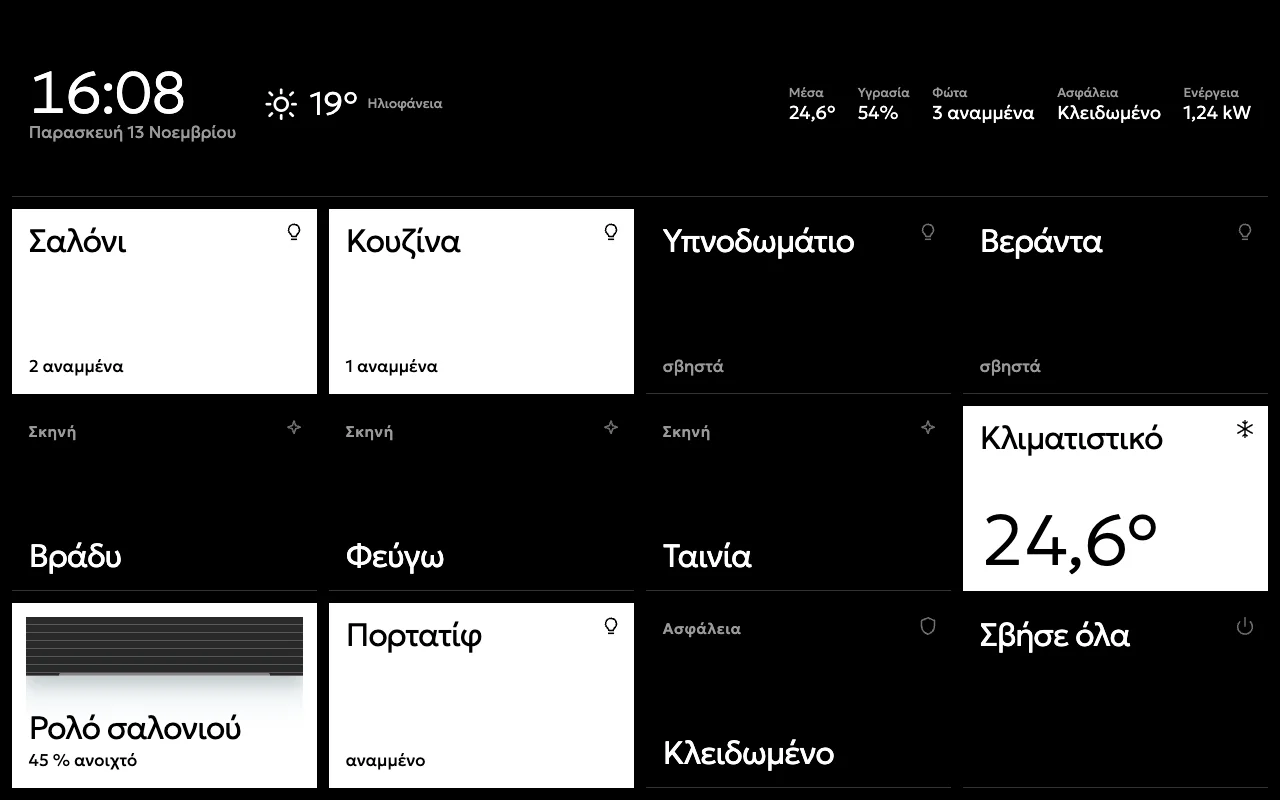
Γραφίτης (graphite) · dark 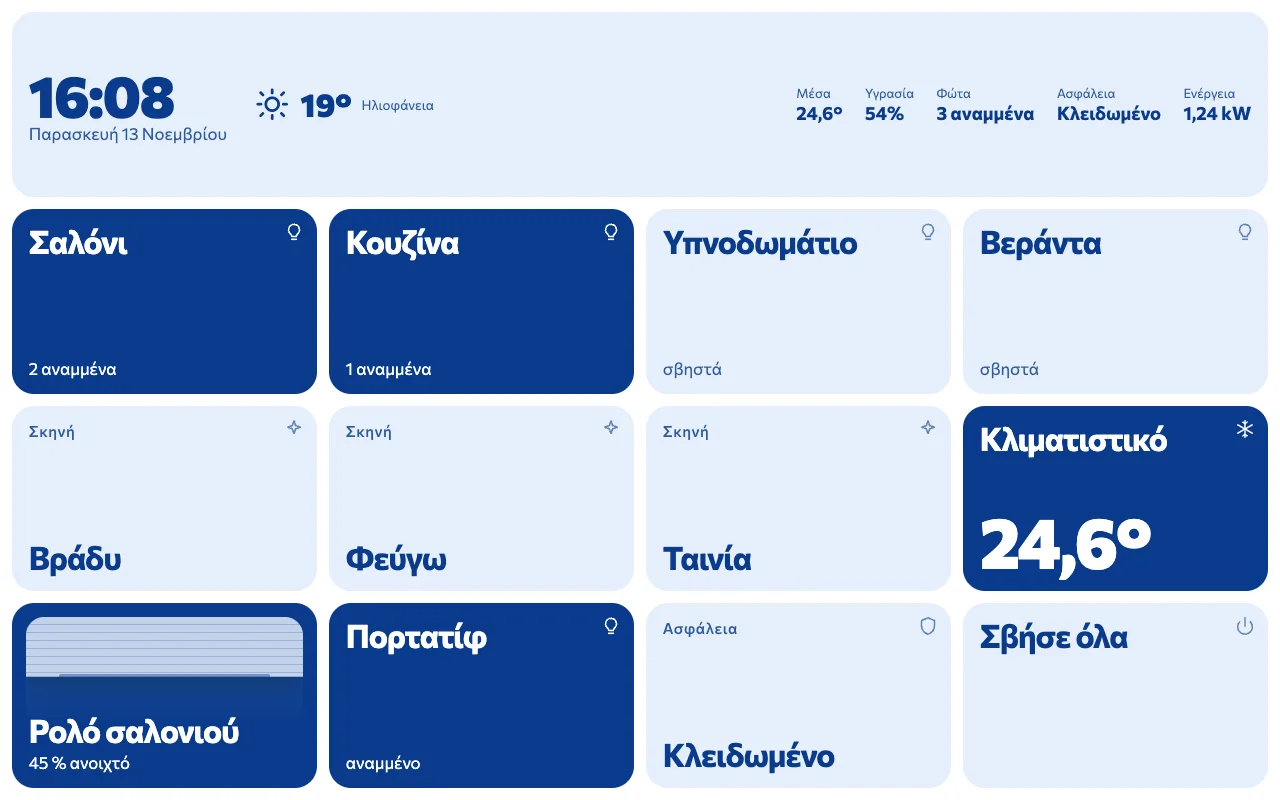
Αιγαίο (Aegean) · light
The panel's real page, with sample rooms. The panel speaks Greek. Swipe sideways.
On the wall
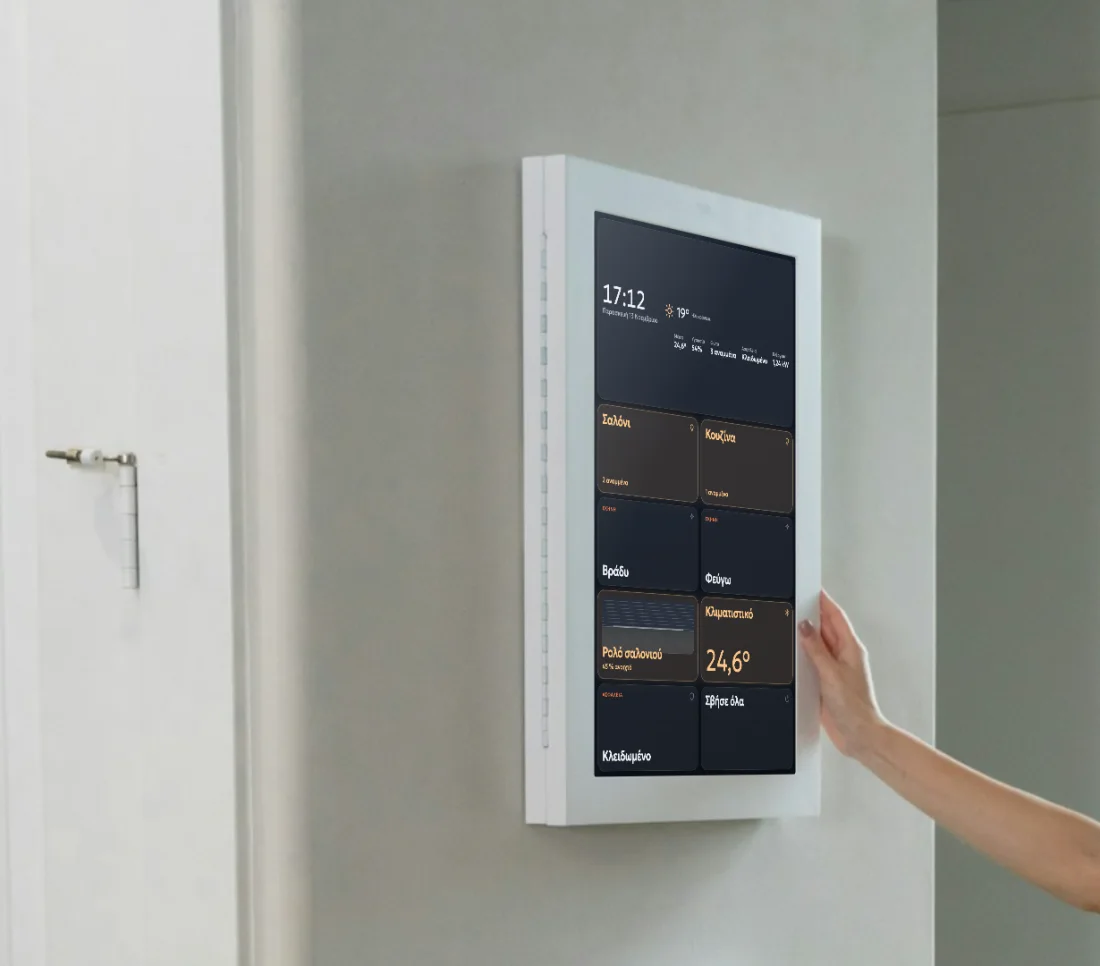
On a small panel
The same on a square panel in the place of a light switch: fewer tiles, larger.
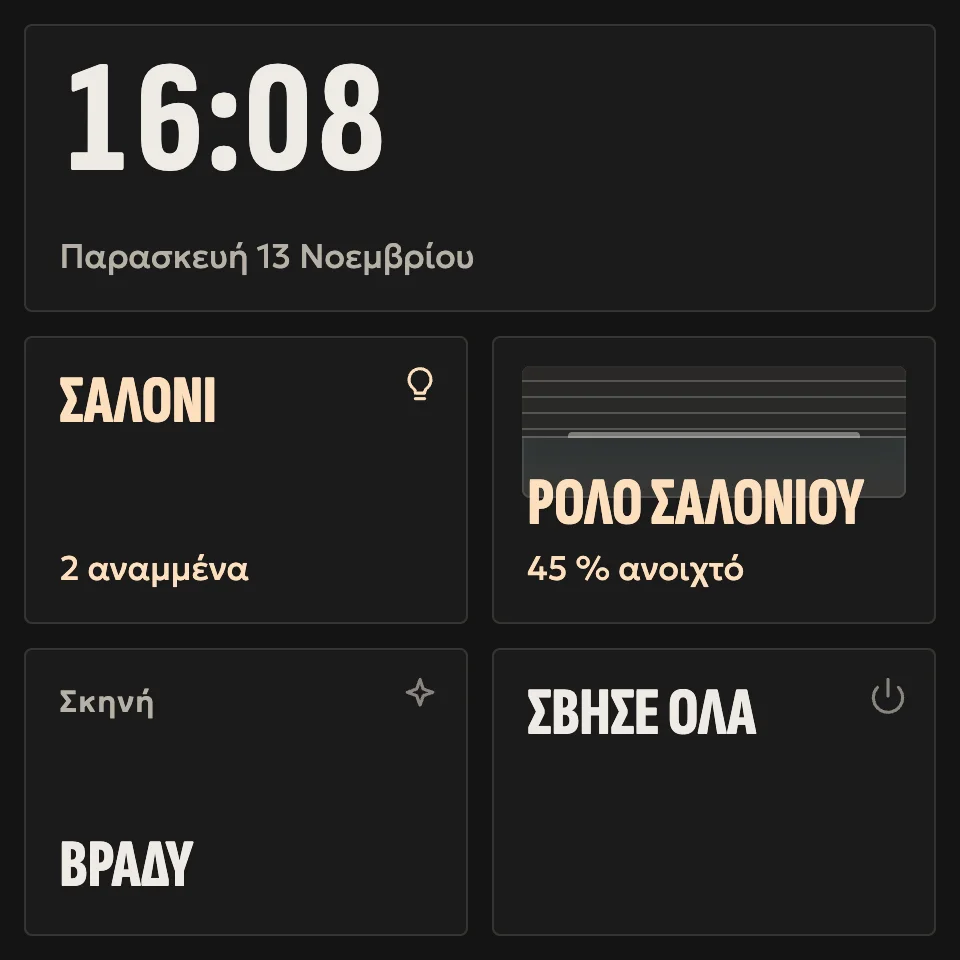
Αφίσα (poster) · dark 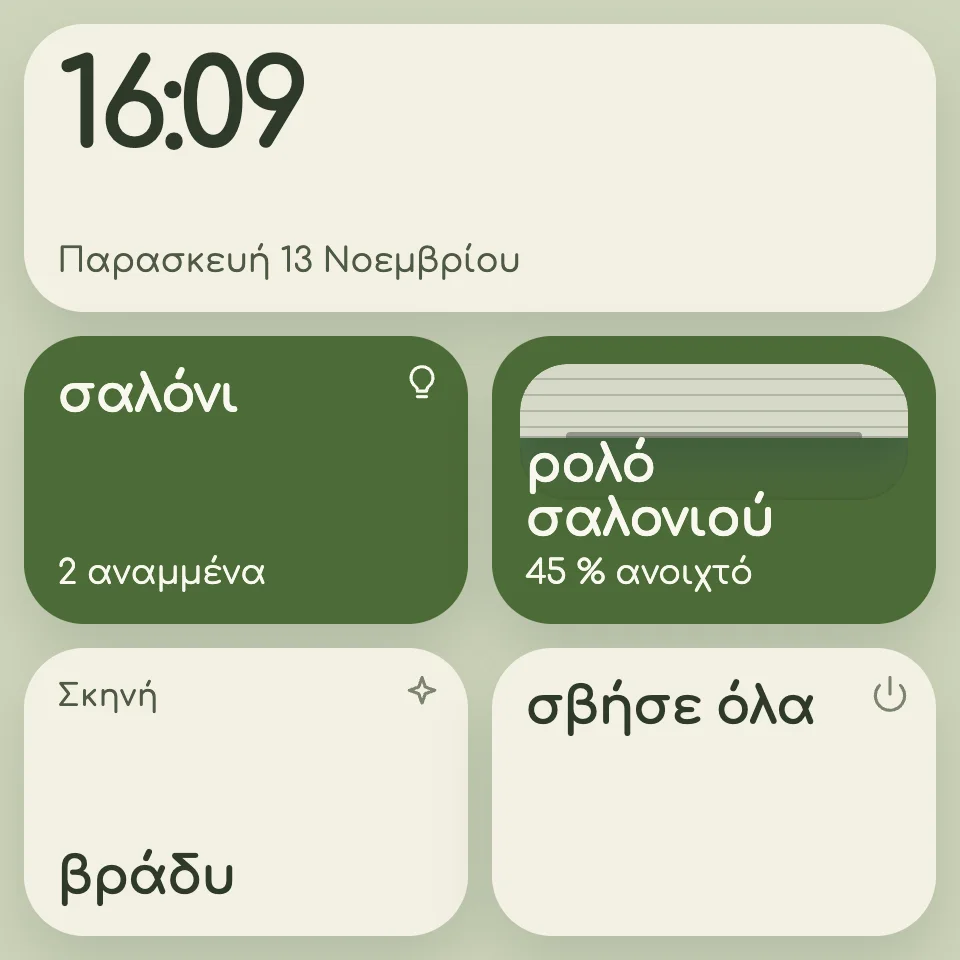
Λινό (linen) · light 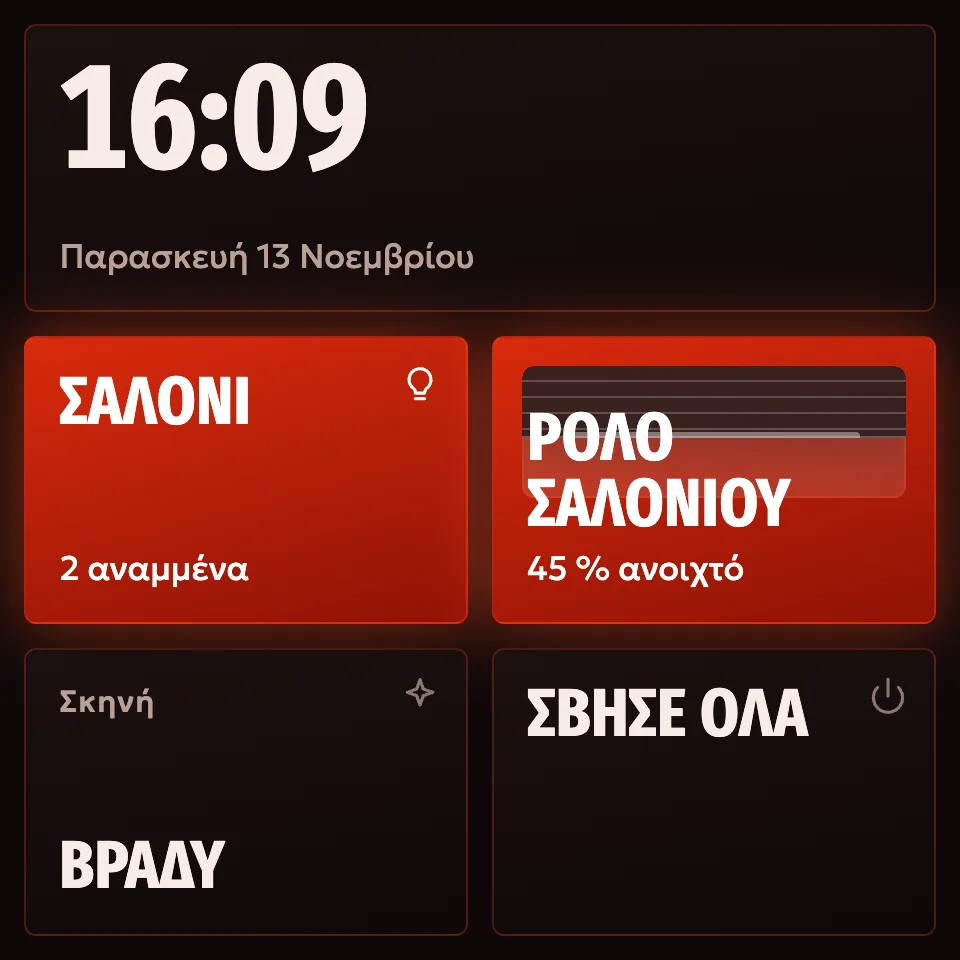
Βασάλτης (basalt) · dark
The panel's real page, with sample rooms.
Layout limits
- 12
- pages per screen
- 24
- tiles per page
- 40
- screens per installation
Which screens
| Screen | How Arvio gets on it |
|---|---|
| Sonoff NSPanel Pro | The Arvio Panel app, installed by the hub |
| Other Android panels and tablets, version 8 or newer | The same process, if they have WebView 88 or newer. The hub checks this before installing |
| iPad with iOS 12 or newer | No app: a full-screen icon, from a QR code in Partner |
| iPad with the native Home app | The wall display mode of Arvio Home. It follows Home's rules, not the local panel's |
| Any browser | Open the hub's page and enter a 6-digit code from Partner, valid for 15 minutes |
Installing on an Android panel
In Partner, on the Screens tab. You type nothing on the panel.
Turn on ADB once
On the NSPanel Pro, from developer mode in the eWeLink app. On other Android devices, from developer options, with ADB over the network. If the panel asks, tap Allow.
Press “Find panels”
The hub searches its local network only when you ask it to, and identifies the model, Android version and WebView.
Choose a panel and a screen
You confirm which panel gets which layout.
Press “Install”
The hub installs the signed app. Where Android allows it, the app becomes device owner: it holds the screen and updates itself. Otherwise it goes in as the home app.
Pairing and closing
Pairing uses a one-time token, valid for 10 minutes. At the end ADB closes, and the install counts as successful only if the port is closed. The hub checks again once a day.
What it does
Pages of tiles
Room, device, scene, turn everything off, security, clock, weather, 3D model. In a 24/7 space also a countdown, people inside and the current booking. After a minute it goes back to the first page.
Without internet
Lights, switches, blinds, climate, scenes and speaker controls work on the local network. Locks and the alarm stay off that path.
See it before it goes up
The preview in Partner is the same page the panel shows. Each panel has its own theme, light or dark, and icon style.
It restarts by itself
The app opens at boot, stays in front, replaces a page that has hung and finds the hub again.
Updates from the hub
The app ships inside the hub's software and the panel takes it from there, with no internet. Android refuses anything without SFK's key and any older version.
Design targets
| What | Target |
|---|---|
| From power to a working panel | Up to 45 seconds |
| After a hub restart | Up to 60 seconds |
| After the page crashes | Up to 10 seconds |
| From pressing Install to a paired panel | Up to 3 minutes |
| Running with no touching at all | 7 days |
Questions
Which screens are not supported?
The old NSPanel with an ESP32, which has no browser. Tablets with Android 7. iPad 2, iPad 3 and the first iPad mini. The iPad 4 works only with the 6-digit code.
What does an iPad without the app need?
A fixed address for the hub (a DHCP reservation), because the icon keeps it. Partner gives the steps: auto-lock never, automatic iOS updates off, Guided Access. Guided Access does not survive a restart of the iPad.
Can I talk to the panel?
No. TRU works in Arvio Home, not on the wall.
Want screens on the wall?
Your installer sets them up in Partner.
Tell us about your space
Tell us what you have and what you want, and we will work out together what your space needs.