
Audience
For installers
Arvio Partner sets up and supports installations with no terminal. The customer stays the owner. You join by invitation from SFK.
On this page
Arvio Partner is your tool for setting up and supporting installations. You hand over a home or a space with one app for the customer, without holding their data yourself. You become a partner only by invitation from SFK.
Why Partner
No terminal
The steps happen on a phone or tablet. You need no terminal or configuration files, and you open no ports on the router.
All in one place
Your installations and customers, with whether each hub is online, its faults and its latest backup.
Remote support
While you have support access, you reach the installation from Partner, through the relay.
The home runs itself
Lights, heating and automations run on the hub. If the customer's internet goes down, the home carries on.
A new installation
In Partner, "New installation" takes you through it step by step. The hub and the owner can wait until later.
Create the installation
A name. It starts as a home, and becomes a 24/7 space once SFK switches the driver on for the hub.
Connect the hub
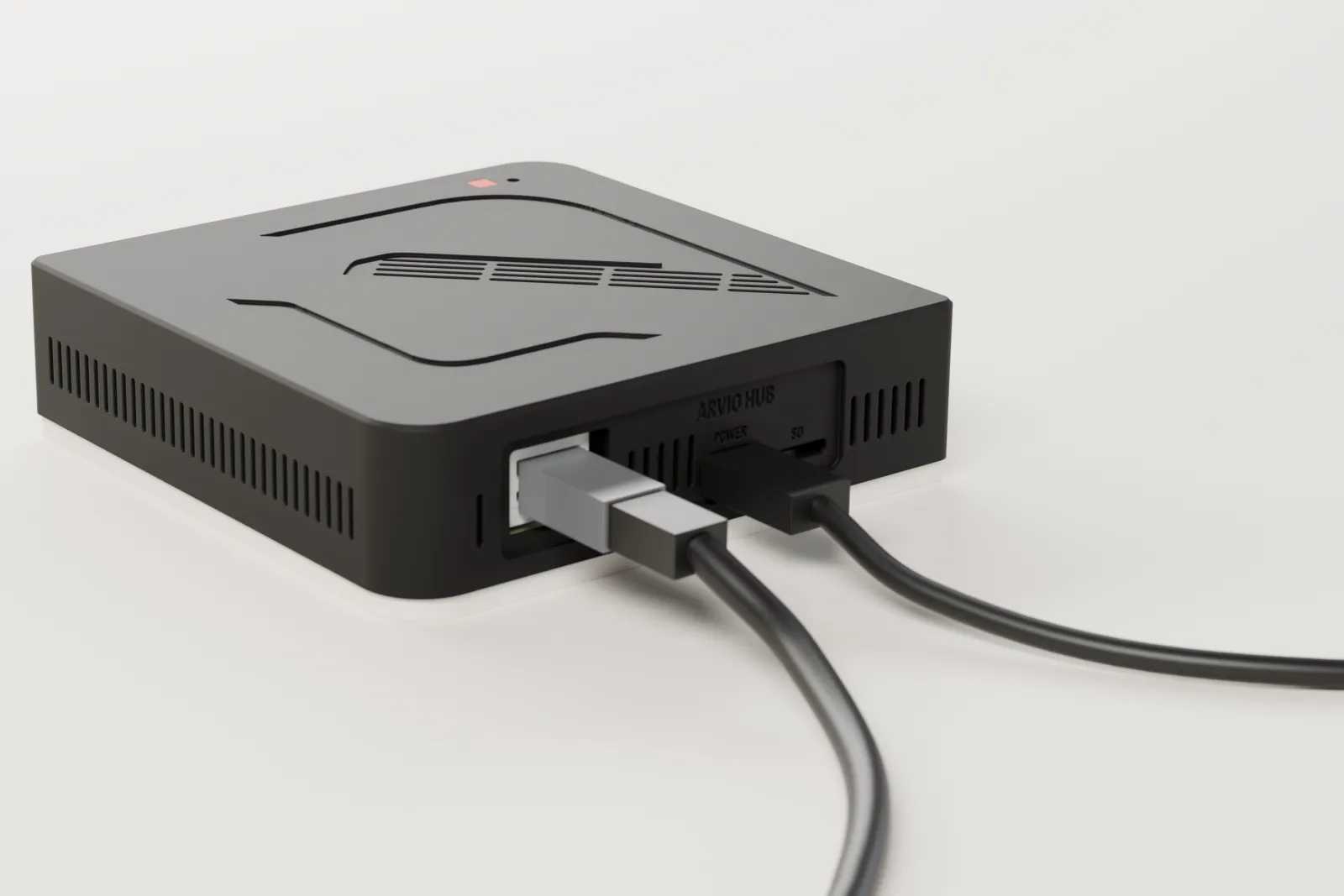
Power and Ethernet. Scan the QR on its label and enter the six-digit code the hub itself shows. A photo of the QR is not enough: you have to be in front of it.
Test the power
Pull the plug and put it back. The hub must power on by itself and come back online. Otherwise it is not handed over.
Invite the owner
By email. They get a link and a code.
Set up the space
Rooms, devices, scenes, automations, wall screens.
Hand over
You go through the checks and the customer takes over. You keep support access.
An installation in Partner
| Tab | What you do there |
|---|---|
| Overview | See whether the hub is online, its faults and how recent the backup is. |
| Devices | A list with filters, renaming, room assignment and Zigbee pairing. |
| Rooms | Place devices in rooms. |
| 3D model | Build the 3D model of the space, in three steps. |
| Screens | Lay out wall screens and pair panels with the hub. |
| 24/7 space | Once SFK switches the driver on for the hub: space, package, page, contact details and publishing, in five steps. |
| Automations | Scenes, automations and place programs. |
| People | Owner, members and presence. |
| Hub | The box's details, backups, the Ajax link and the installation's drivers. |
| Journal | What happened and when. |
The rule: the space belongs to the customer
The space belongs to the customer. You have support access with an expiry date, and the customer can see who has access. The owner can remove yours from Home, and the removal is logged.
If the household gives your email the owner's or a member's role, you have it like anyone else. In a home with no owner, you can name your own email as its owner.
There is no shared admin account across hubs. You hold neither of the backup keys: backups open only with the owner's key or SFK's.
In a 24/7 space you set up the space, but you do not see its visitors' names, emails or codes. A customer can change installer without the installation being deleted.
Partner prices
Prices before VAT, for SFK's partners.
| What | Price |
|---|---|
| Arvio Hub | €375 + VAT |
| Arvio Hub Pro (for hotels) | €1,180 + VAT |
| Partner fee | €99 + VAT a year |
| Premium drivers (24/7 spaces, Airbnb mode, Reception) | Prices are in Arvio Partner |
How to become a partner
Only by invitation from SFK, with no self sign-up. Being a partner costs €99 + VAT a year.
Write to SFK
Through the contact page, with your company and the kind of installations you do.
Get an invitation
If we are going to work together, SFK sends you an invitation by email.
Sign in to Partner
With a link or a one-time code. You need no password.
Common questions
Can my company have technicians?
Yes. A partner company has an owner, managers and technicians. SFK adds the people.
Where do I get a hub?
From SFK, ready for installation. For partners it costs €375 + VAT.
What does the hub cost the customer?
€449 + VAT, with the apps, remote access and notifications, and no subscription. Customer prices are on the Pricing page.
Become a partner
Ask SFK. If you already have an account, Partner is here.
Tell us about your space
Tell us what you have and what you want, and we will work out together what your space needs.