Products
Arvio Hub
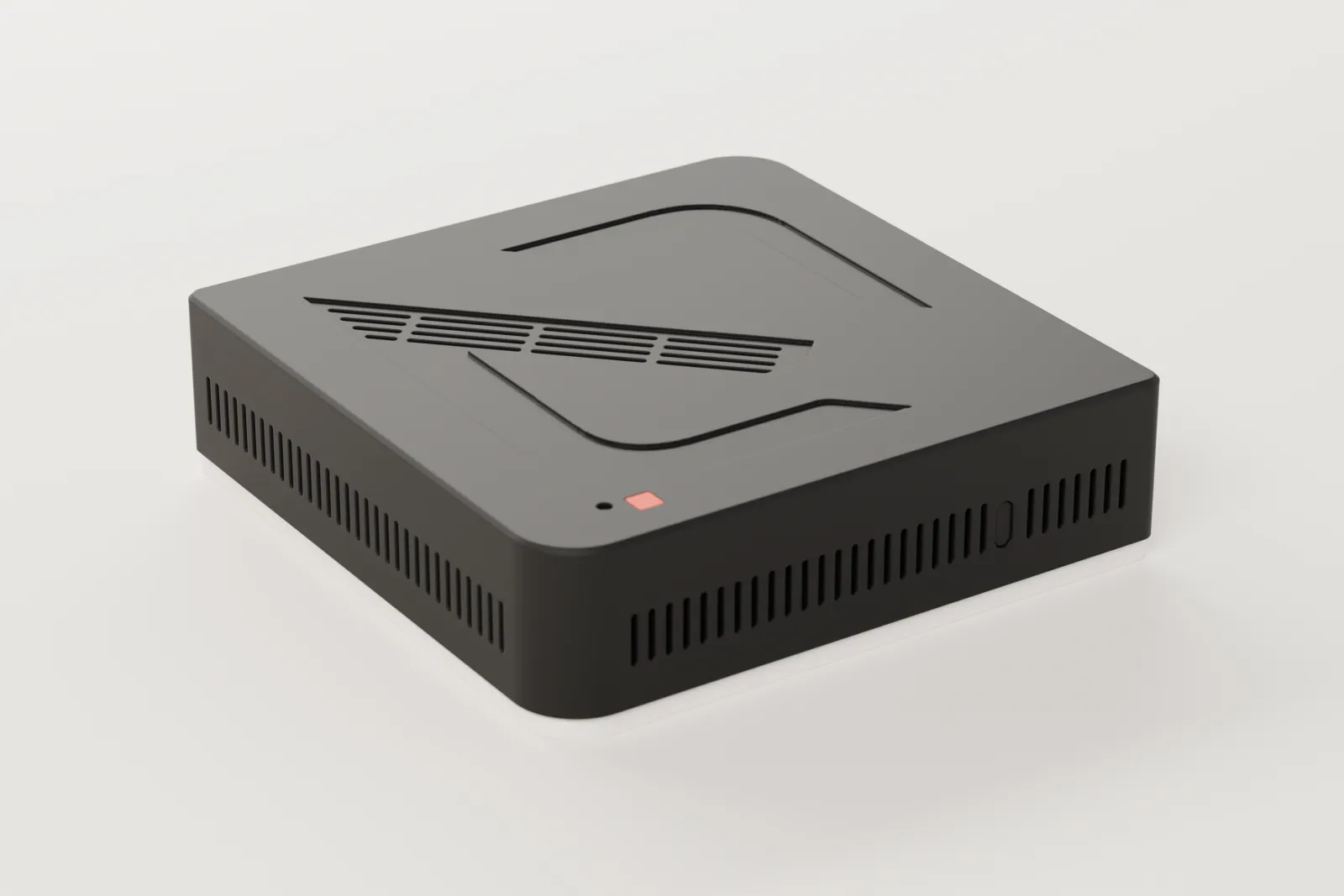
A small computer in your space running our own software, Arvio Core. It keeps working when the internet drops.
- 0
- hub ports open to the internet
- 35
- connections to brands and protocols
- 7
- newest backups kept on the hub
- 03:30
- every night, the encrypted backup
On this page
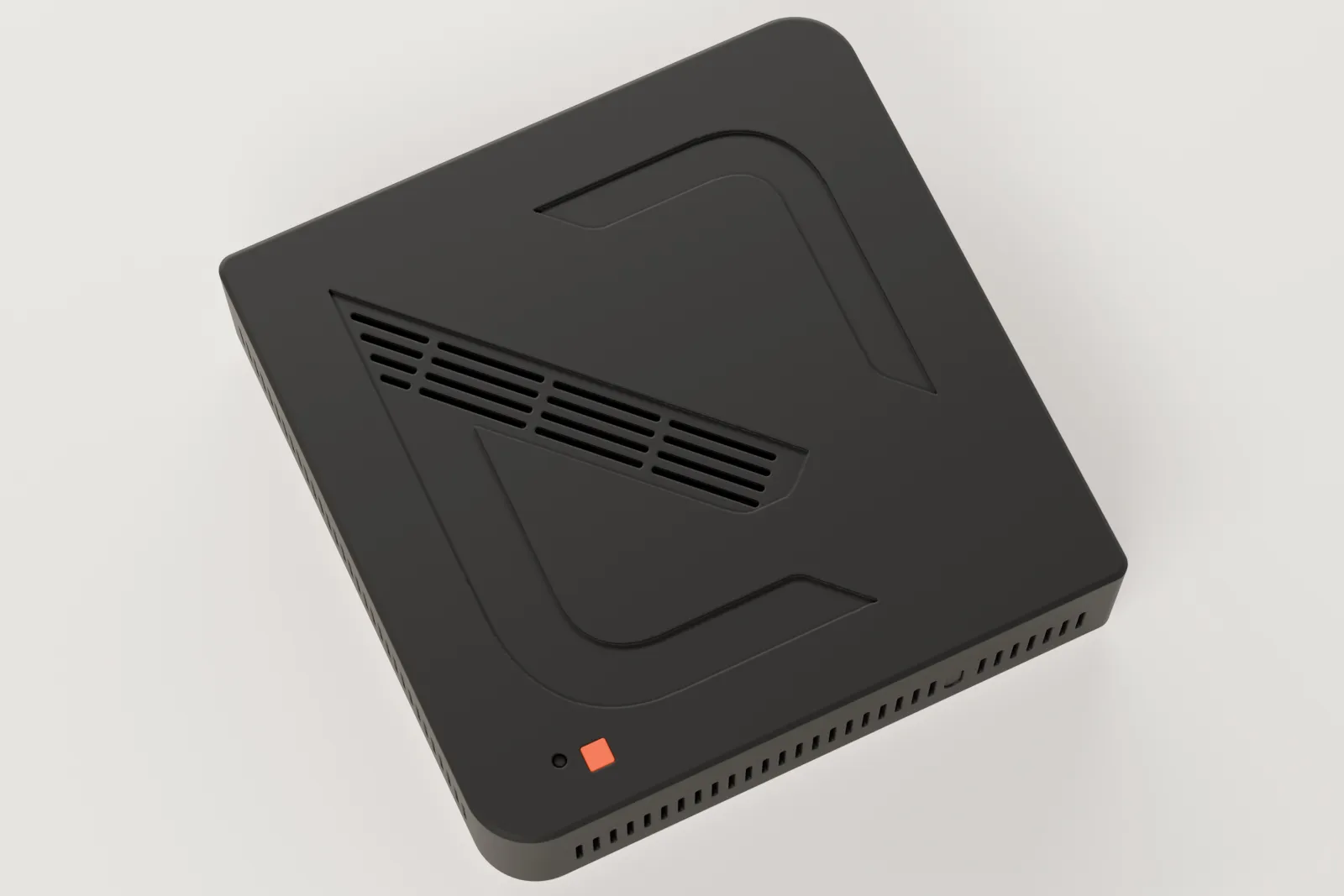
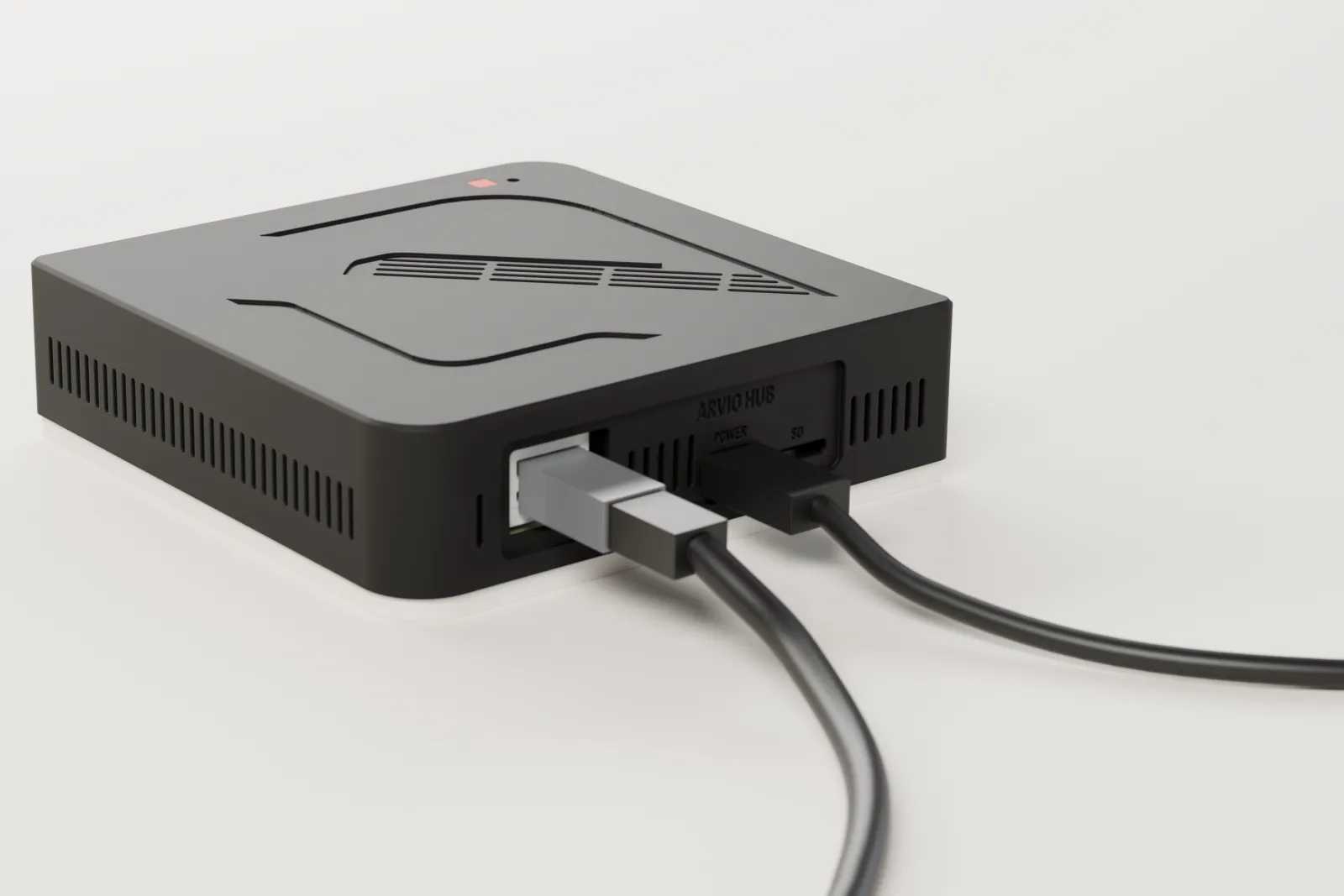
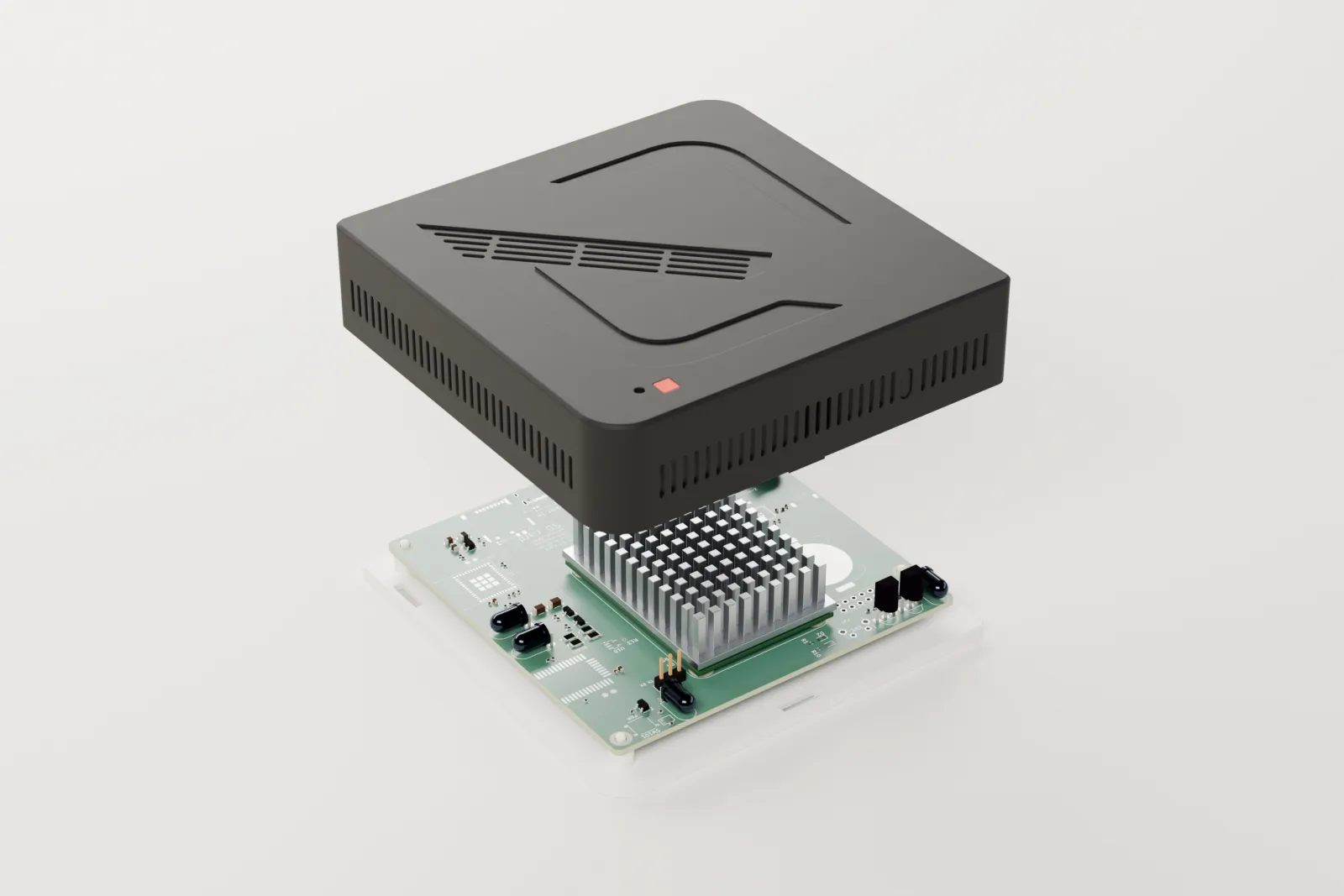
Arvio Hub is a small computer that stays in your space, connected by Ethernet. It runs Arvio Core, our own software: it talks to your devices, holds rooms, scenes and automations, and keeps working when the internet drops.
Price
- €449
- before VAT
- €0
- subscription
You buy the Hub once. The apps, remote access and notifications are included, with no subscription. Every price is on the Pricing page.
In your space
Your devices: lights, climate, covers, sensors
Arvio HubArvio Core and drivers, staying here
Wall panels, straight from the hub
The hub opens an outbound connection. None of its ports opens to the internet.
On the internet
Arvio RelayCarries commands and state
Arvio CloudAccounts, hub claim, support
In your hands
Arvio HomeFor people who live or work there
Arvio PartnerFor the installer, under a granted right
Forms of the hub
For a mini PC, our main choice has 16 GB of memory, a 256 GB SSD and Ethernet. Every hub is set to power on by itself after a power cut. A computer that cannot do that does not become a hub.
| Form | What it is |
|---|---|
| Arvio OS on an x86-64 mini PC | A whole system on Debian 13, installed from a USB stick. It needs UEFI. |
| Arvio OS on a Raspberry Pi 4 or 5 | The same system, on an SD card or NVMe. |
| Install on existing Linux | Debian 12 or 13 on x86-64, or Raspberry Pi OS Lite 64-bit on a Pi 4 or 5, with one script. The system is not kept in two copies. |
| Container on a NAS | Docker with a compose file and host networking. A USB stick can be passed into the container. |
What runs on the hub
Devices and rooms
A registry of devices, rooms and floors in a local SQLite database. The apps see one model across every brand.
Commands that are confirmed
Each command has its own id and a time limit. It counts as done only when the hub sees the result from the device.
Automations and scenes
Time, sunrise and sunset, a change of state, a button, with conditions. The hub keeps a trace of every run and of every time something did not run, with the reason.
Drivers
One driver per brand or protocol: Zigbee with a USB stick, Shelly Gen2 and newer, Philips Hue, Fibaro and Yubii, Midea, Tuya local, Samsung TV, Sonoff eWeLink LAN, Apple TV, ONVIF cameras, Ajax through Arvio Cloud, Imou vacuums, Chromecast speakers with Arvio Music, weather.
Isolation
Drivers run outside Core. If one goes down, Core and your automations carry on and the driver restarts by itself.
Connection to the outside
Only an outgoing connection to SFK's relay. You open no ports on your router. The same part also serves the wall panels' page on the local network.
Installing on a mini PC
SFK delivers the hub ready, with a label and a QR code. These steps are for whoever prepares it. The whole disk is erased.
Write the USB stick
Write the image to a USB stick of 8 GB or more, with Raspberry Pi Imager or balenaEtcher.
Set the BIOS
UEFI on, Secure Boot off, “After Power Loss” set to Power On, boot from USB.
Choose the disk
The screen lists each disk with its model, serial number, size and what it holds now. You type the disk's number and the last 4 characters of its serial. Pressing Enter cancels and nothing is written.
Wait for the check
It writes, reads back from the disk what it wrote, puts the disk first in the boot order and shuts the computer down.
Remove the stick and power on
Connect Ethernet and power. The hub appears on the network as arvio-xxxx.local. Then test it: pull the power, plug it back in, and it must start with no button.
Updates and backups
Two copies of the system
On Arvio OS the system is read-only and exists twice. An update goes into the copy that is not running. The computer starts from it once and keeps it only if Arvio is healthy within 5 minutes. Otherwise it returns to the previous copy by itself. Data stays on its own partition.
Signed updates
SFK signs every update with an ed25519 key kept offline. The hub refuses anything unsigned. A request expires within 30 days at most and never runs twice.
Debian fixes
On Arvio OS fixes arrive as a new image: SFK builds one a month, and whenever a serious fix comes out. On plain Debian they install every night, with a reboot at 04:00 only when one is needed.
Nightly backups
Every night at 03:30 the hub encrypts its data for two keys, the owner's and SFK's, and keeps the newest 7. The installer holds neither. Either key restores onto a new box.
After a power cut
The hub starts by itself and reads the state of your devices. It does not resend old commands. Locks, alarms and gates never move at start-up.
Design targets
| What | Target |
|---|---|
| Local control available | At least 99.9% per month |
| From command to confirmation by the device (Zigbee, Shelly) | Under 1 second for 95% of commands |
| Recovery with no person involved | Under 3 minutes |
| Updates that need a site visit | None |
| Data lost in a power cut | Only the last seconds of history |
Questions
When is internet needed?
For access from outside, for updates, for TRU and for what goes through the cloud, such as Ajax. Not for lights, heating and automations.
Can I use my own computer?
Yes: that is Arvio Core on your own hardware, with a guide per platform. As a hub, it has to be x86-64 with UEFI or a Raspberry Pi 4 or 5, and it has to power on by itself after a power cut. Talk to SFK first.
Does SFK have one login for all hubs?
No. No SSH key ships inside the image. For support, a key is added to one hub at a time, by someone physically holding its disk or card.
Want a hub?
Arvio Hub costs €449 + VAT, with no subscription. One of SFK's partner installers sets it up.
Tell us about your space
Tell us what you have and what you want, and we will work out together what your space needs.