Audience
For 24/7 spaces
Spaces with no permanent staff: book a time, get a door code, and the hub checks it locally. There are four live demos.
A 24/7 space is one with no permanent staff: a gym, a studio, a court or a shop with no cashier. The visitor books a time and gets a code for the door. The live operation runs on the hub, inside the space. It is a premium driver, per hub: the installer asks for it from Partner and SFK switches it on.
Live demos
Four made-up spaces: a gym, a studio, a court and a rehearsal room. Open one, book a time and follow the whole path to the door code.
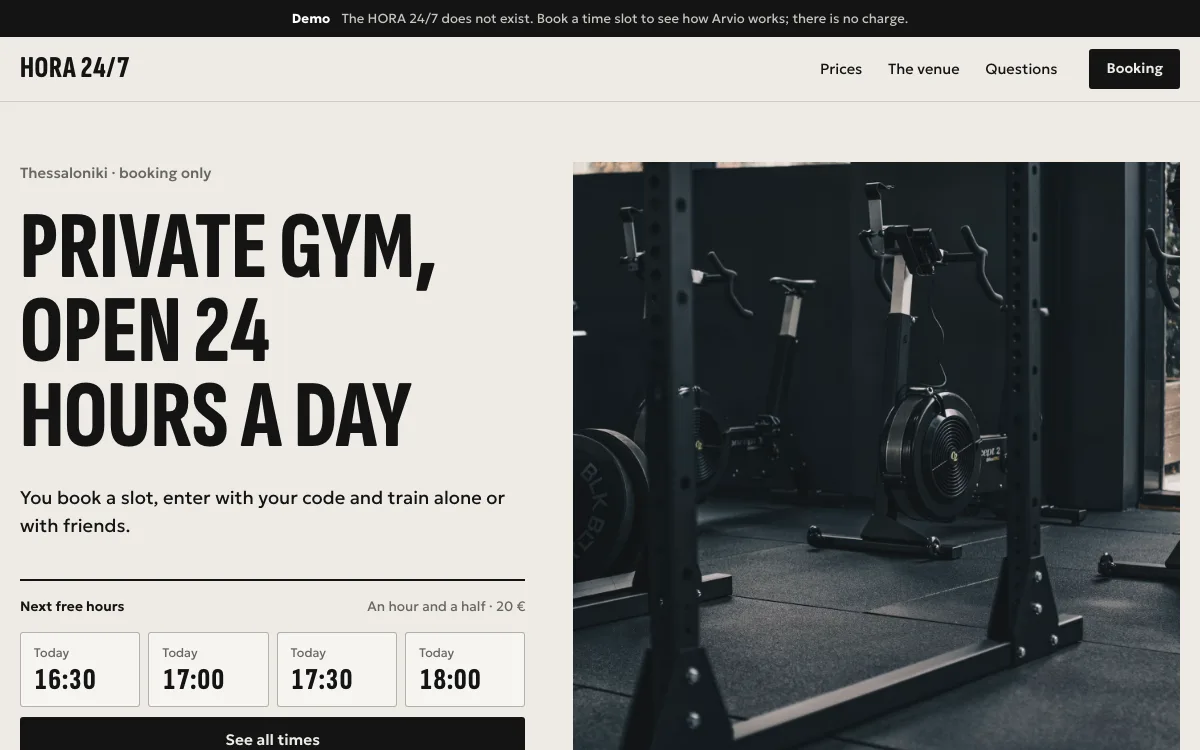 HORA 24/7A private gym, open around the clock.Open the live demo ↗
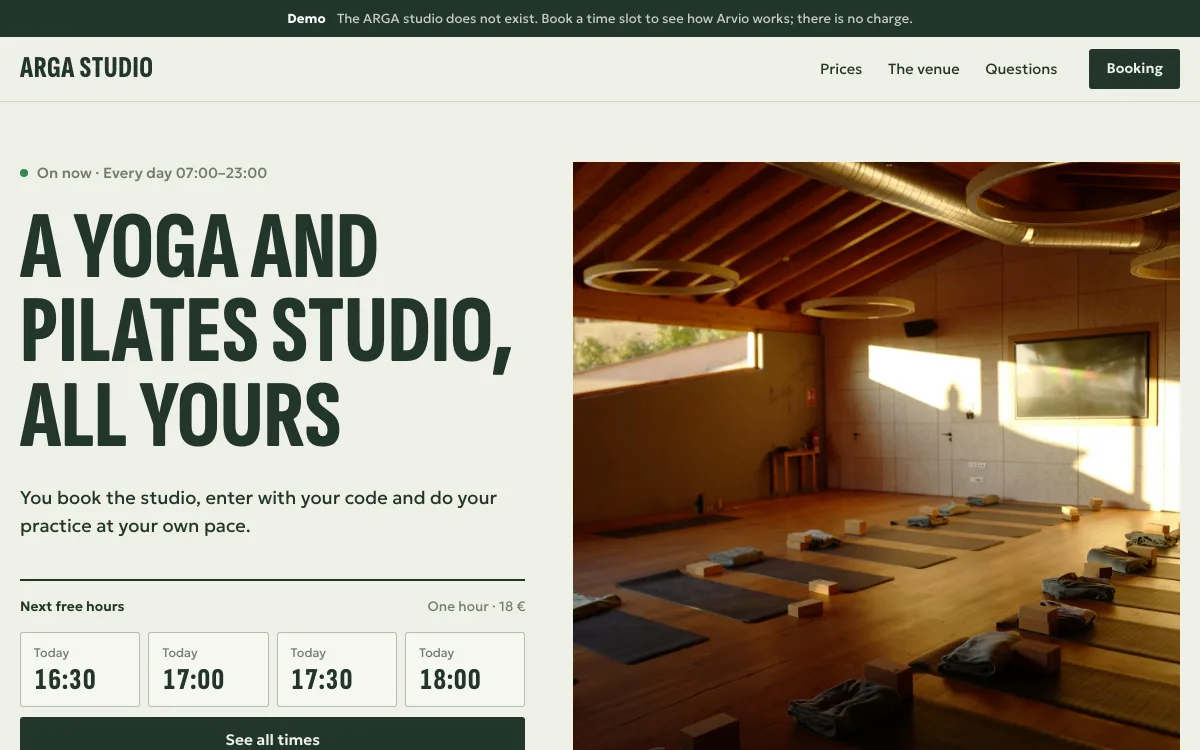 ARGA studioA yoga and pilates studio, every day 07:00–23:00.Open the live demo ↗
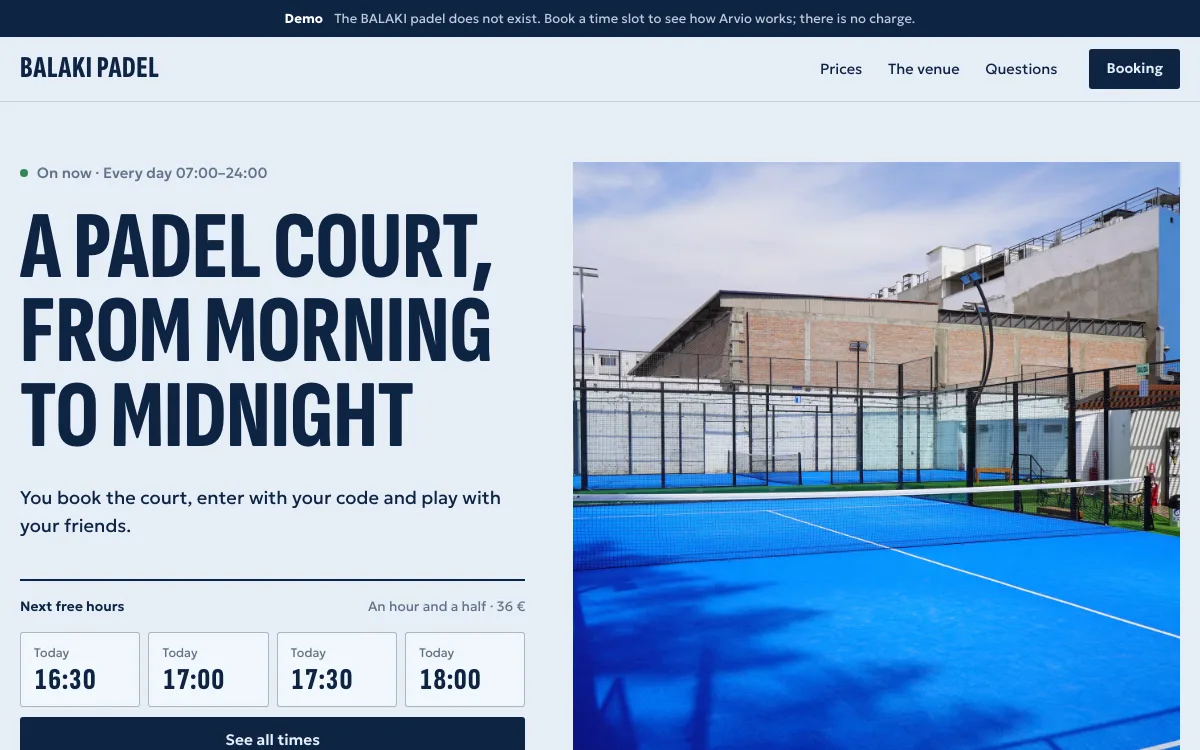 BALAKI padelOne padel court, every day 07:00–24:00.Open the live demo ↗
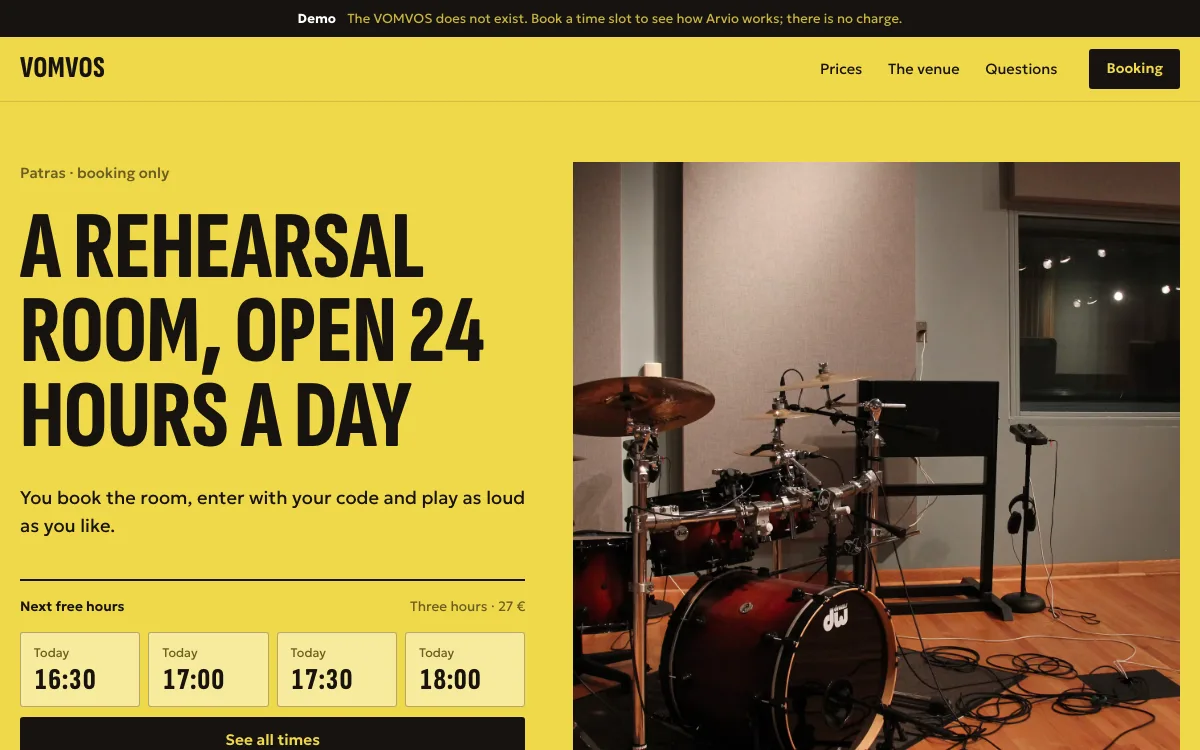 VOMVOSA rehearsal room, open around the clock.Open the live demo ↗
These spaces do not exist. The data is made up, nothing is charged and the code you get opens no door. Each has its own colours, photos, words, prices and hours.
What it has
Public page
Photos, packages, opening hours, common questions and booking on the same page, with your colours and logo.
Bookings
One booking holds the whole space. In Home you see bookings and add walk-ins.
A code per booking
Six digits, shown once to the visitor and valid only during the booking's window. The hub keeps only a hash and opens the door locally.
Set up in five steps
Space, package, page, contact details and publishing, in Partner.
Wall screen
The time, the time left and the people inside. It never shows an email, a phone number or a code.
People count
Optional, from a sensor already on the hub. Arvio does not analyse video and sends no images to the cloud for counting.
A booking from start to end
The visitor books
On the space's page, they pick a package and a time.
They get a code
Six digits, for this booking only. It reaches the hub only as a hash.
They enter
The door accepts the code during the booking's window, by default from 10 minutes before. The hub checks it locally.
It ends
After the end, by default within 5 minutes, the code expires. Bookings are kept 10 minutes apart by default.
Who sees what
| Who | Setting up the space | Bookings and visitor details |
|---|---|---|
| Owner | Yes | Yes |
| Space manager | Packages and text, not hardware | Yes |
| Partner | Yes, with support access | No |
| Visitor | No | Only their own |
| SFK | No, it sees only the space's health | No |
Common questions
What happens with no internet?
Bookings already on the hub, for the next 72 hours, run as normal and the code is checked locally. New online bookings cannot be made. A cancellation reaches the hub when the connection returns.
What about wrong codes?
After five wrong codes within 15 minutes, entry locks for 5 minutes.
What if more people come in?
Above the space's limit, the hub accepts no new entry code. It never locks the exit.
Who sets it up?
A partner, in Partner, once SFK has switched the driver on for the hub. Space, package, page, contact details and publishing are five steps.
Buildings
A shop or an office is set up as one installation with its own hub, like a home, with members and roles. If you have a building, ask SFK what can be done.
See how it works
The demos are made-up spaces. For your own space, talk to SFK.
Tell us about your space
Tell us what you have and what you want, and we will work out together what your space needs.